CRM Integrations

WHY SYNC MATTERS
Partner data shouldn't live in silos
When your PRM doesn't talk to your CRM, everyone wastes time copying data manually. Deals get duplicated, contacts go stale, and nobody trusts the numbers.

Endless Manual Entry
Someone closes a partner deal in Salesforce. Now you're copying account details, contact info, and deal notes into your PRM. Multiply that by 50 deals per month and you've got a full-time data entry job.

Out-of-Sync Everything
Your CRM says the deal closed last week. Your PRM shows it as "In Progress." Partner portals display different contact emails. Nobody knows which system has the truth.

Duplicate Data Nightmares
The same account exists three times with slightly different names. Two partners registered the same deal. Your reports are a mess because data isn't standardized across systems.
HOW IT WORKS
Integrations that just work
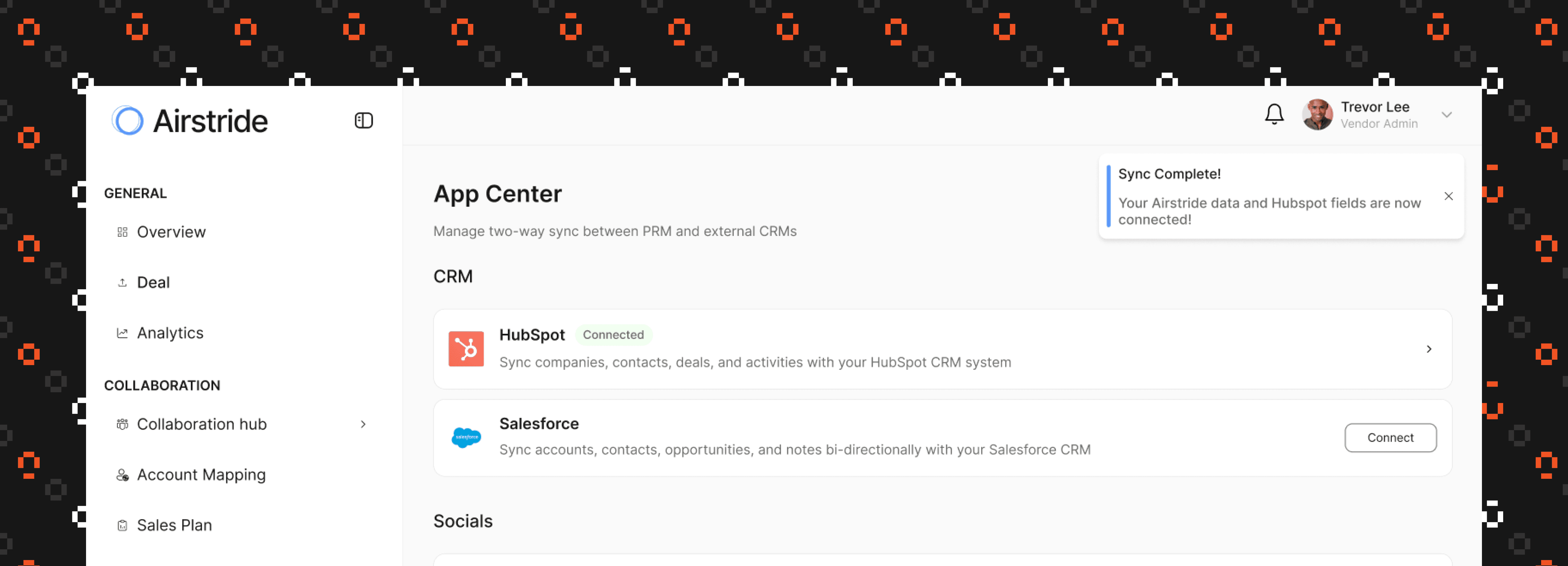
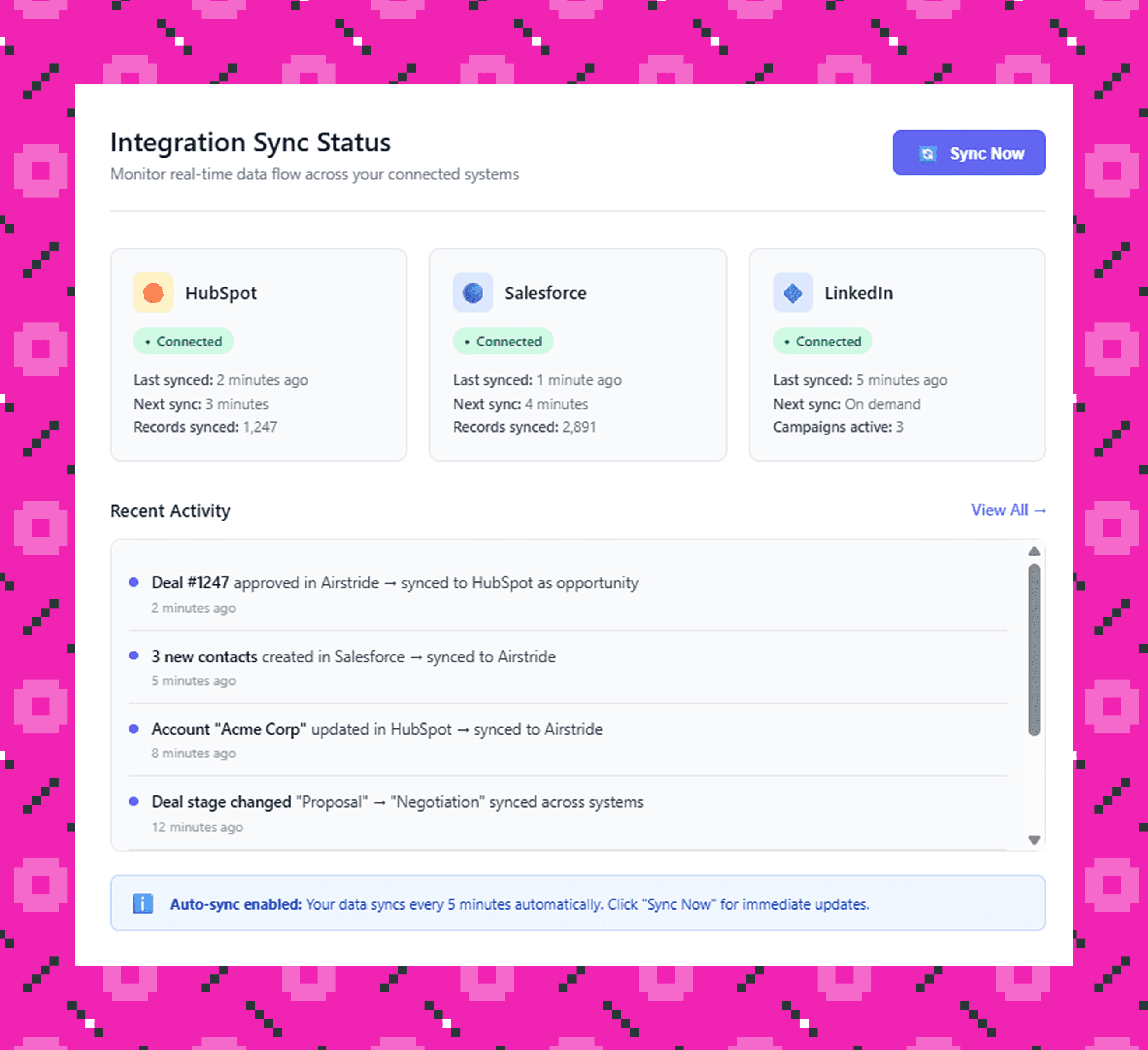
Connect once, sync forever—bi-directional data flow across HubSpot, Salesforce, and LinkedIn
Connect and map your CRM in minutes
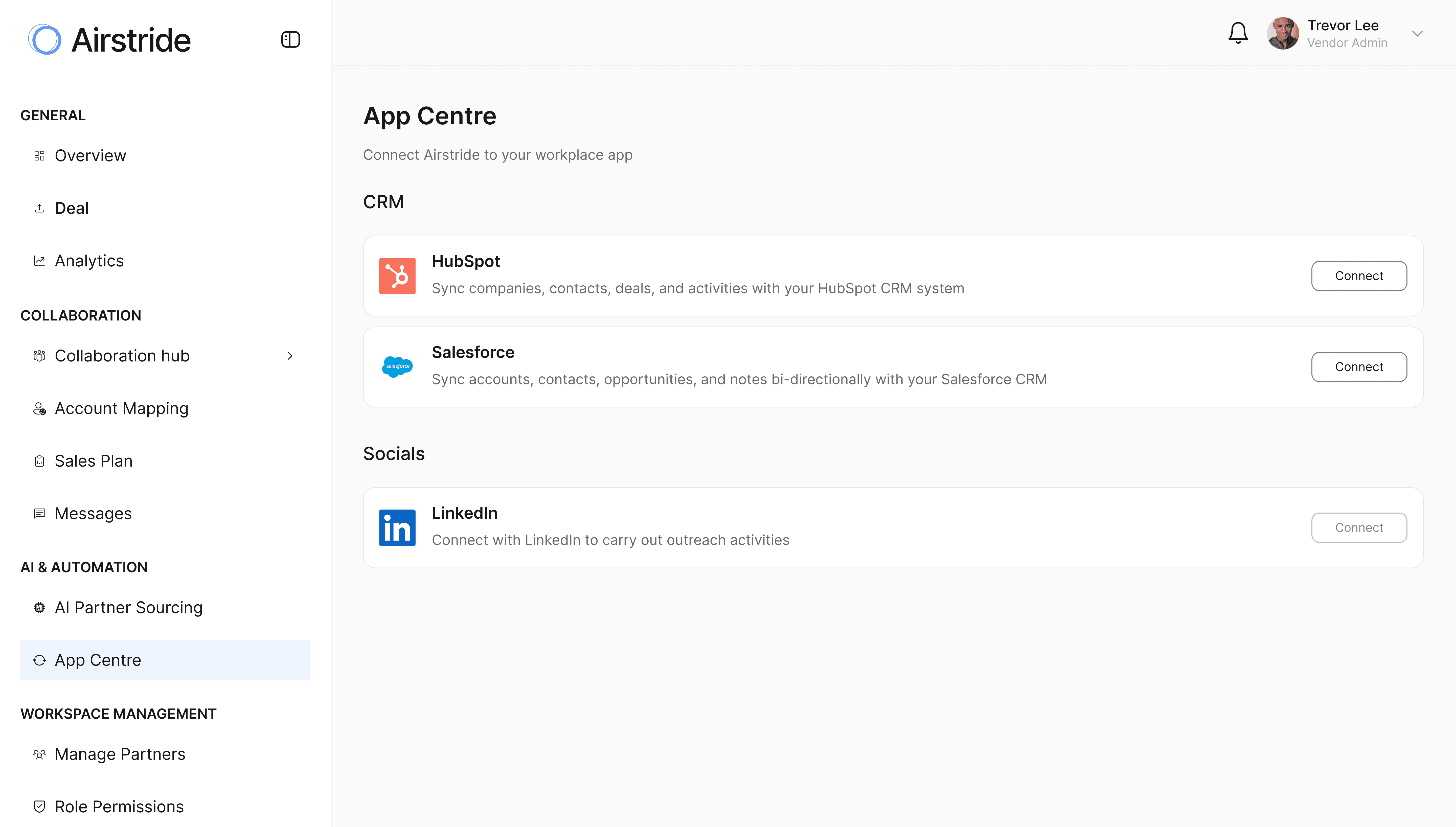
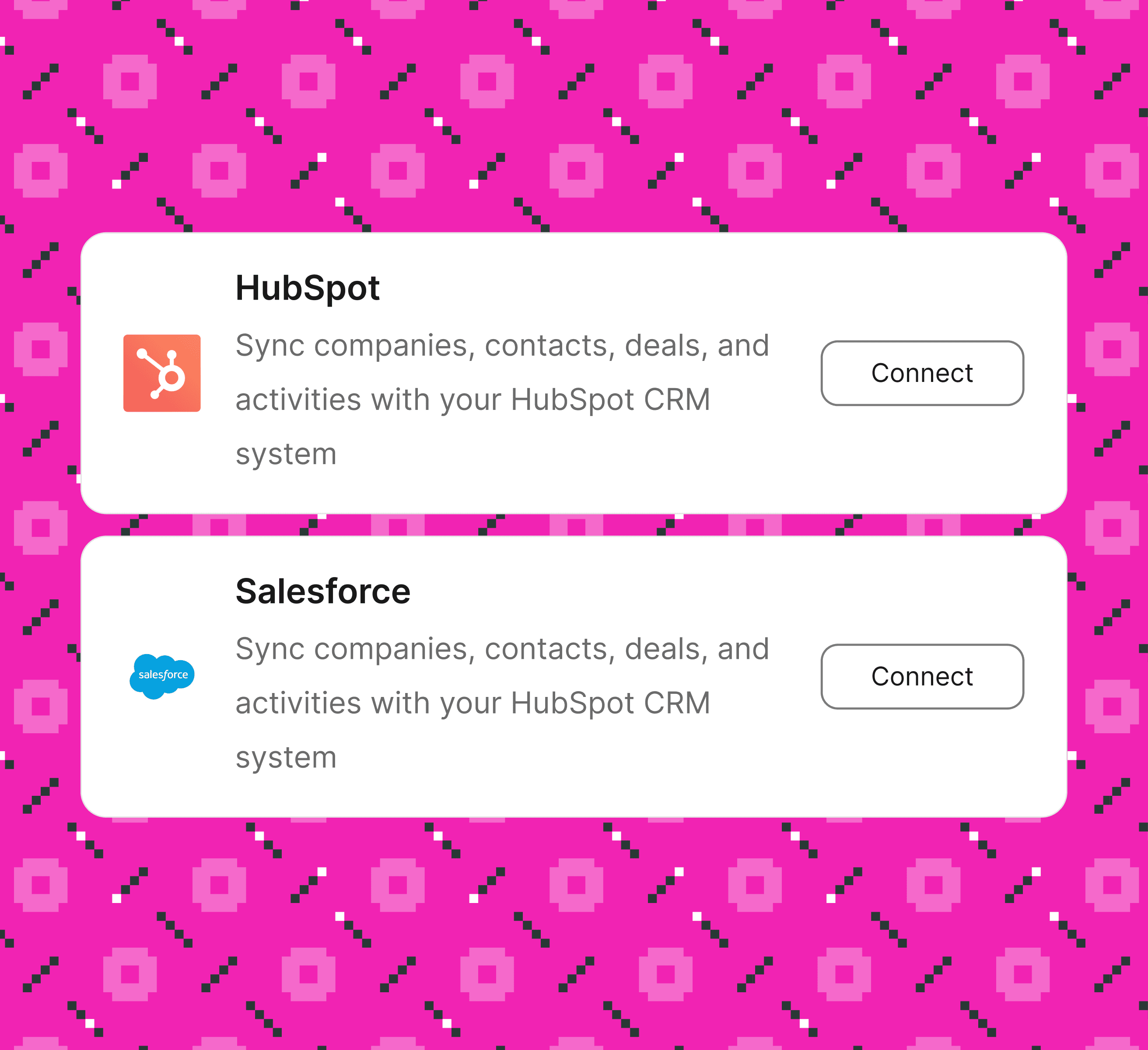
Click "Connect," authorize through OAuth, and you're in. Airstride automatically detects your CRM structure and intelligently maps fields Name to Name, Website to Website, Industry to Industry. Review, adjust if needed, and you're syncing.
One-click OAuth authentication for HubSpot and Salesforce
Auto-maps standard fields with smart detection
Visual field mapping and see exactly what syncs where

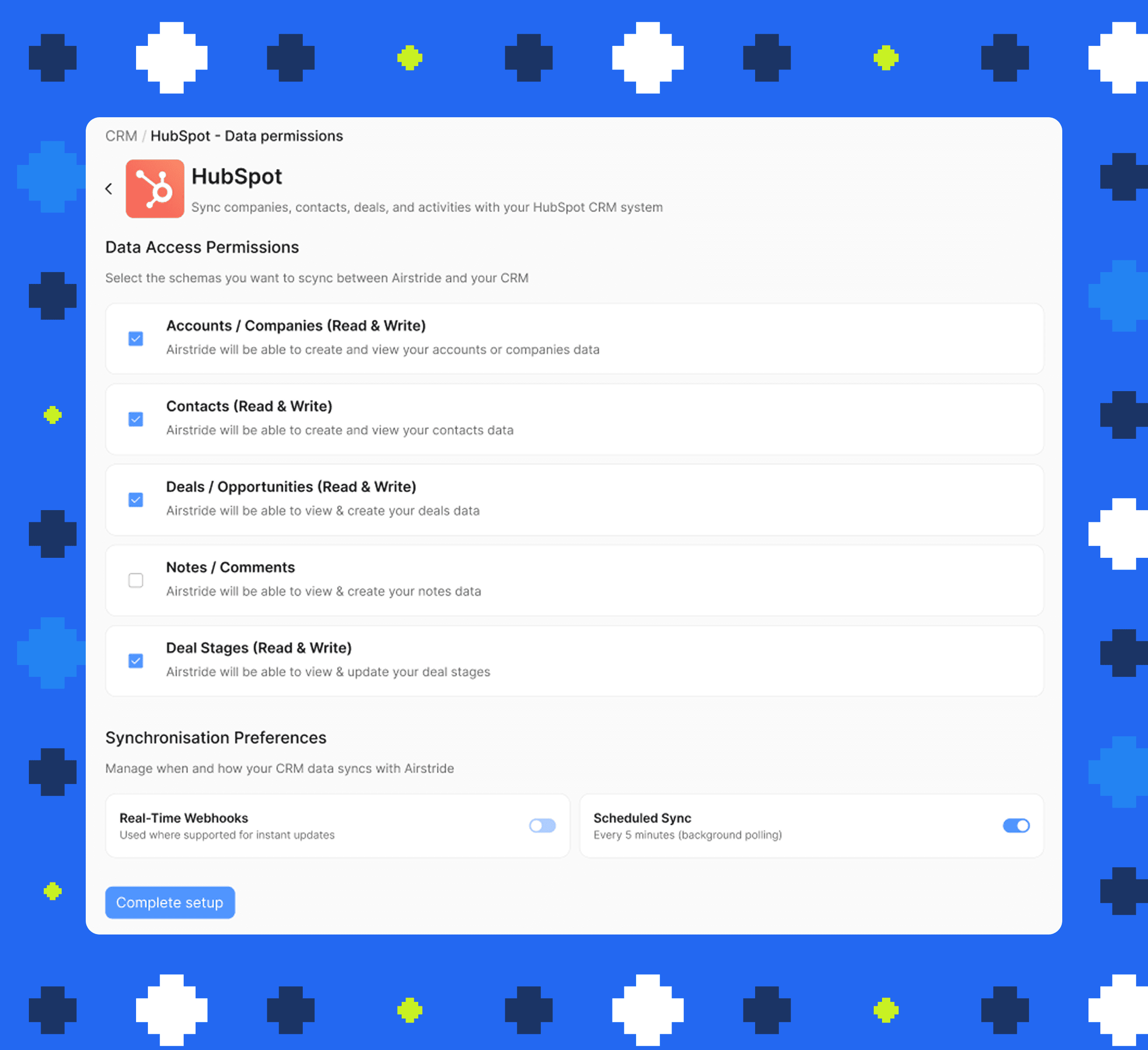
Real-time webhooks plus 5-minute polling backup
Bi-directional for Accounts, Contacts, Deals, Notes, Stages
Smart conflict resolution with audit trails
Granular permissions with read/write control per object
Partners self-serve CRM connections with zero IT involvement
Complete data isolation making partners only see their own data
Multi-channel partner outreach (LinkedIn + Email)
Track engagement and responses in one dashboard
Automate connection requests and follow-ups
Automatic deal status updates to partner CRMs
Manual "Sync Now" option for immediate refresh
Scheduled sync every 5 minutes keeps data fresh
Do you have other questions you'd like to ask? Please click on the button below.