
From Black Box To Live Plan
Carmen writes the campaign plan to a sticky panel and runs each step in front of you. Every partner and contact she drops gets named in chat, with a reason you can read.
Why we built this
You’d ask Carmen to build a campaign and the chat would go quiet. A few minutes later you’d come back to a list full of finance leads at wrong-fit companies, or a draft sequence that never got generated, with no error to point at. The work happened in a black box. The result was the only feedback you got.
Now Carmen writes the plan before she runs a single search. Each step appears in a sticky panel beside the chat, and every partner she drops gets named with a reason you can read. By the time the campaign is ready to launch, the wrong-fit partners and off-role contacts are already gone, and you’ve signed off on both the partner list and the messaging.
A campaign you can watch build itself
A live plan beside the chat, scoring before enrichment, and two confirmations where you decide.
Live Campaign Plan panel
Before Carmen runs a single search, she writes a 6-step plan to a sticky panel beside the chat. Each step updates in real time: pending, running, completed with a result summary, or failed with a hint to retry. The plan persists, so you can pick the campaign back up later.
No more no-fit partners or off-role contacts
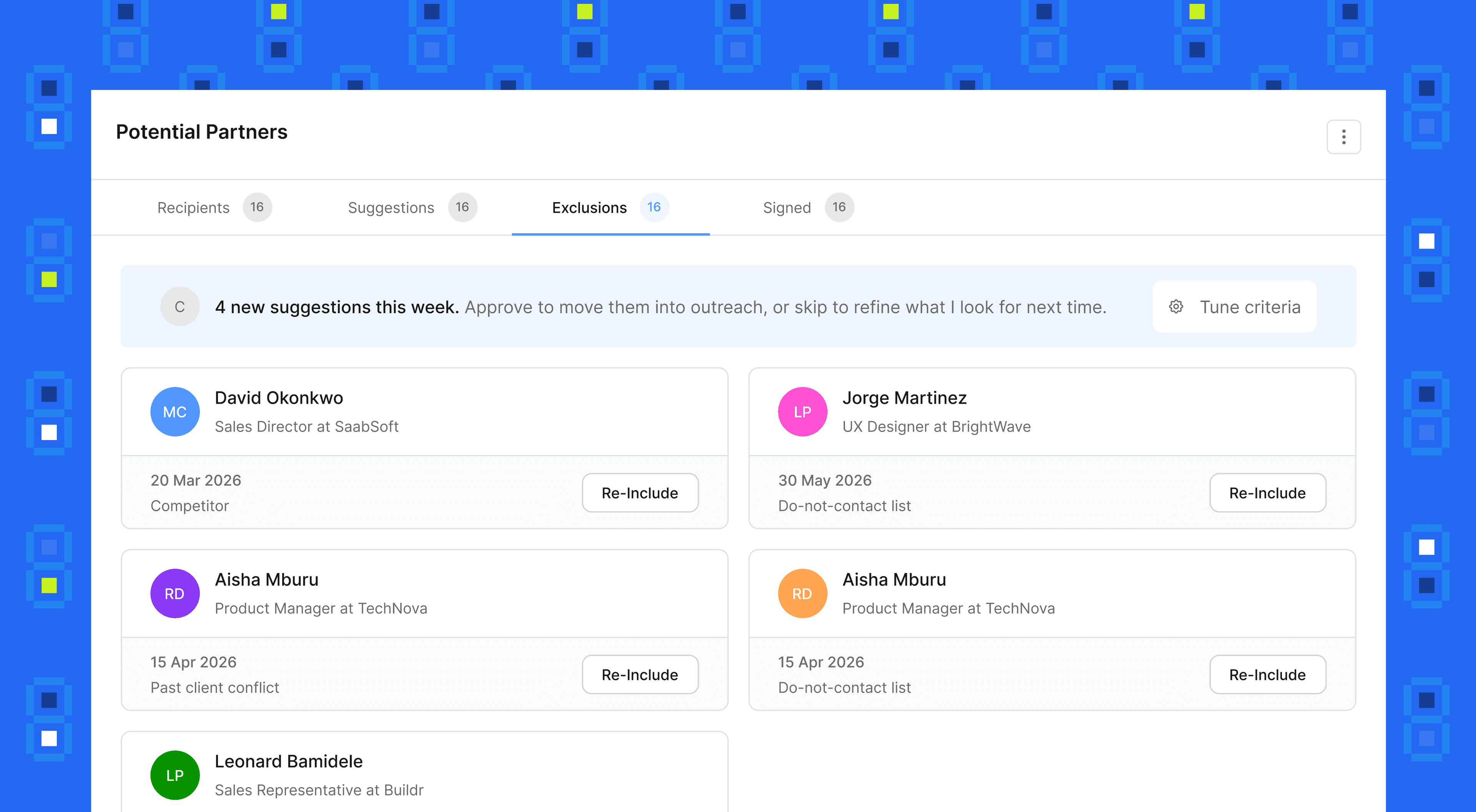
Carmen scores every search result against your ICP before enriching anyone, then validates each contact’s job title against your target roles. Up to four contacts per partner, ranked by seniority. Finance, Legal, and Admin titles never reach your campaign.
Two gates where you stay in control
Carmen pauses at two blocking confirmations: the partner list after scoring, and the messaging after the first drafts. Click “Looks good, continue” and she resumes. Ask for changes in chat and she revises before moving on.
Same pause, different campaign
Same five-second pause as before. What lands on the other side is a partner list scored against your ICP, contacts validated against your roles, and a plan waiting at the next gate for your approval.
Three steps. One launched campaign.
Tell Carmen the goal, watch the plan run, approve the gates. The Campaign Creator handles the rest.
Tell Carmen the goal
Open the Campaign Creator and write what you want in one line: “find LATAM SaaS partners”, “add 50 fintech consultants”, “build a campaign for our DevOps tooling”. Carmen opens with a strategic briefing, names 3-4 partner directions to consider, and asks a single routing question to lock the scope.
Campaigns → New chatWatch the plan run
Carmen writes the campaign plan to the side panel and starts working through it. Every drop is narrated in chat: “Removing Acme Corp, flagged as a competitor”, “Removing 3 Finance Director contacts at TechFlow, outside your target roles.” You see the work, not just the result.
Campaign Plan panelApprove, then launch
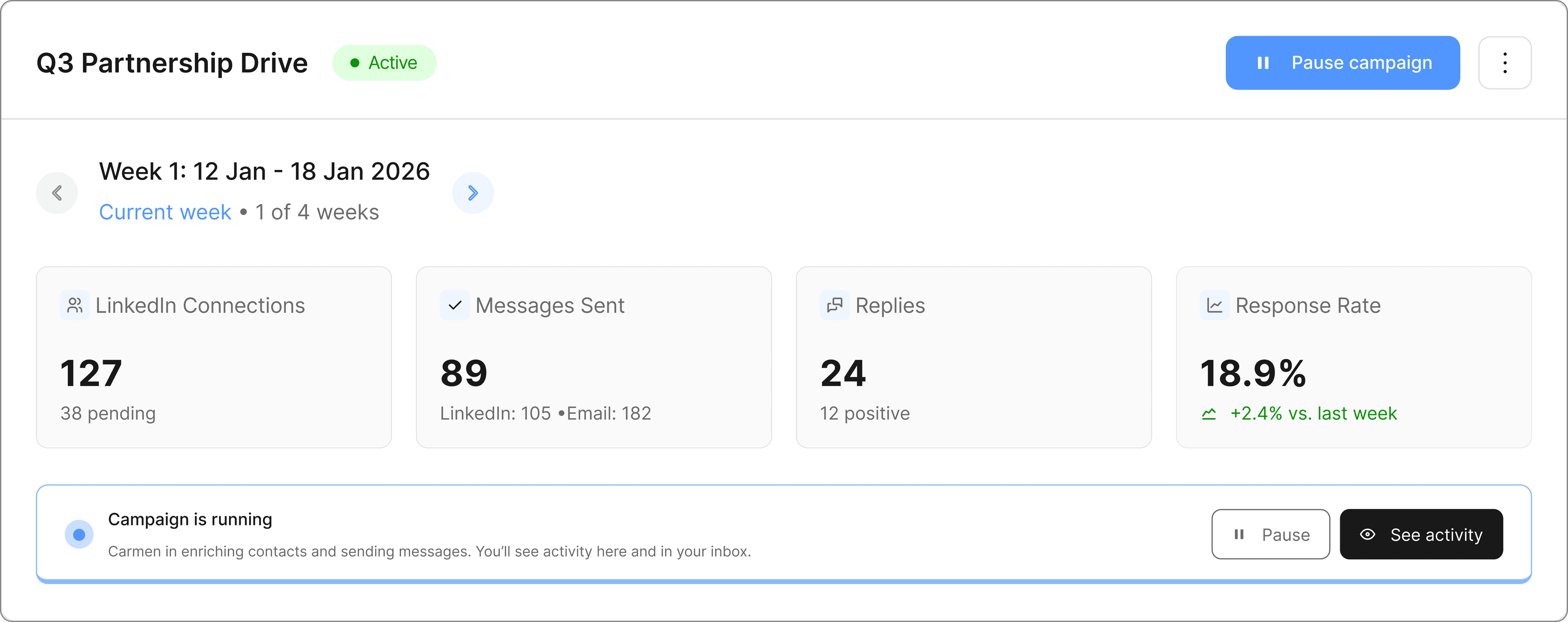
Review the partner list, click “Looks good, continue”, and Carmen resumes. After the first message drafts come back, the second gate lights up. Approve and the campaign launches with the right partners, the right contacts, and messaging you’ve already signed off on.
Two gates → Launch