
Attio and Airstride. The Same Deal, Both Ways.
Move a deal or change its value in Airstride and your Attio record follows. Name a partner on an Attio deal and the deal is created in Airstride for that partner.
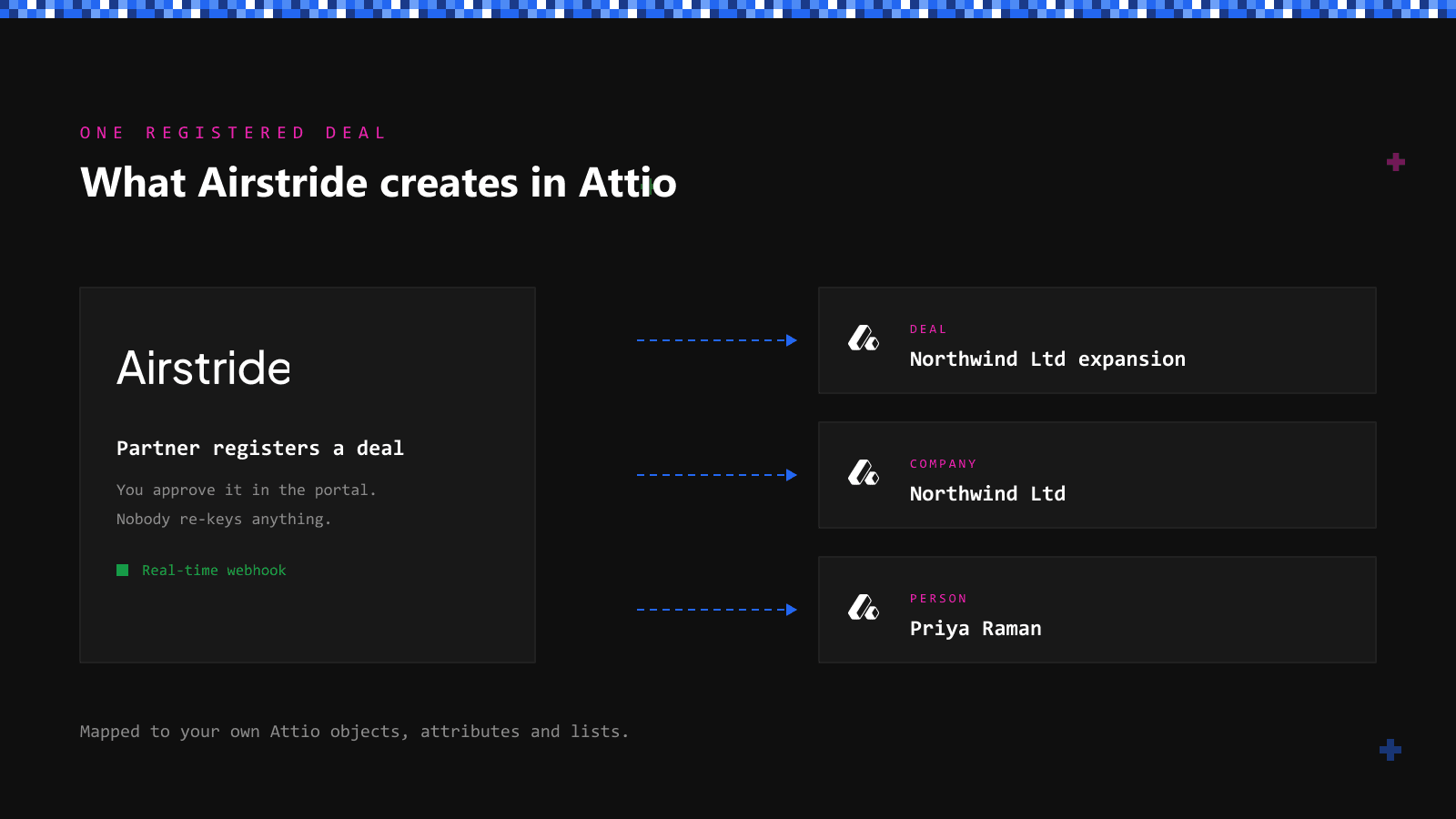
Why we built this
Until now a deal registered in Airstride landed in Attio once and then stood still. Move it to Closing in Airstride and Attio still showed the stage it was registered in, so your team had to update the same deal twice or trust neither.
Deals also start the other way round. Your reps work in Attio, and when one of them names the referring partner on a deal, that partner should see it without anyone pasting a link into Airstride. Attio is a first-class CRM for us, not an afterthought, so both directions now work.
What syncs between Airstride and Attio?
Stage and value go out, partner deals come in, and nothing is overwritten without a record.
Stage and value changes reach Attio
Moving a deal or editing its value in Airstride updates the Attio deal, and if Attio changed the value at the same time, Attio wins and the override is recorded as a sync conflict rather than lost.
Attio deals that name a partner create the deal
When the partner field on an Attio deal names one of your partners, as text, a select option or a company reference, Airstride creates one deal for that partner and holds it for your review.
Deal intake you can see working
Pick the partner field from your Attio fields instead of typing its technical name, see at a glance whether intake is Active or Off, and check the CRM Sync Skipped Deals page for any deal that was not created and why.
How do you turn on deal intake from Attio?
Stage and value sync work for every connected Attio workspace. Deal intake is off until an admin turns it on.
Connect Attio
Connect your Attio workspace from App Centre. Registered deals push to Attio, and stage and value changes follow them.
App Centre → AttioChoose the partner field
In the Attio connection in App Centre, pick the Attio field your reps use to name the referring partner. Intake shows as Active once it is set.
App Centre → Attio → Deal intakeReview incoming deals
Deals created from Attio wait for your review like any other registration. If a partner name matches nobody, or matches more than one partner, the deal is listed with the reason so you can fix it in Attio.
CRM Sync Skipped Deals