
Airstride, Now in Your Language.
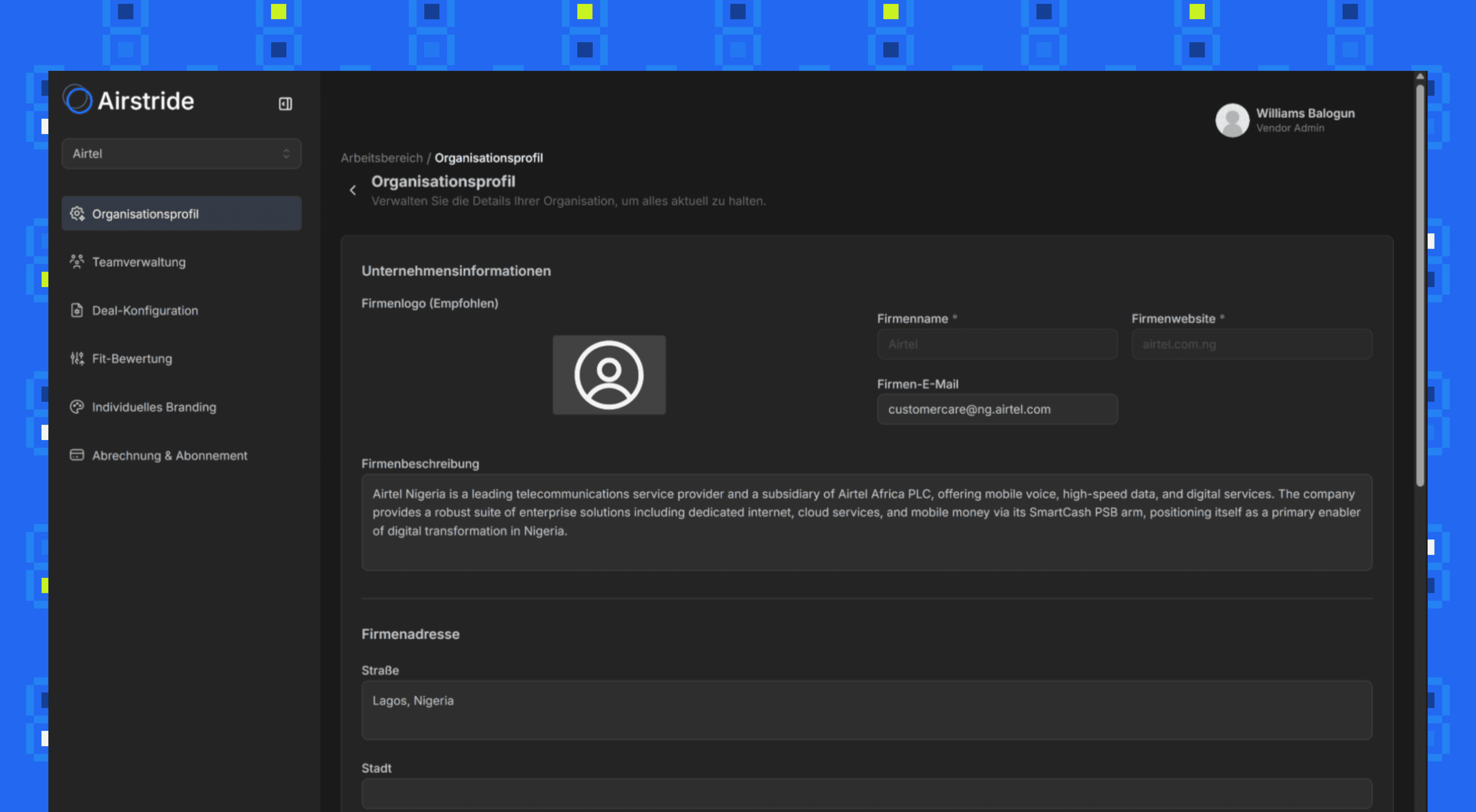
Switch the entire platform UI to your preferred language with one click. German is live today, with more languages on the way.
Why we built this
Partner programs are global. Your team in Berlin shouldn’t have to work in English if their native language is German. And as we expand, the same will apply to teams in Paris, Madrid, Tokyo, and beyond.
Until now, Airstride was English-only. That changes today. Every menu, button, label, and settings page in the platform can now be switched to your preferred language with a single dropdown change.
German is the first language we’re shipping alongside English, with more languages planned based on where our customers are. The change applies to all administrators in your organisation instantly. No page reloads, no re-setup, no disruption.
Full platform UI, fully translated
This isn’t a partial translation or browser auto-translate. Every interface element is professionally localised.
Complete UI Translation
Every menu, sidebar item, button, form label, settings page, and system message is translated.
Organisation-Wide Setting
One admin sets the language, and all users in the organisation see the updated UI. No per-user configuration needed.
More Languages Coming
German is live today. Additional languages will roll out based on customer demand. Let us know which language your team needs next.
Supported languages & roadmap
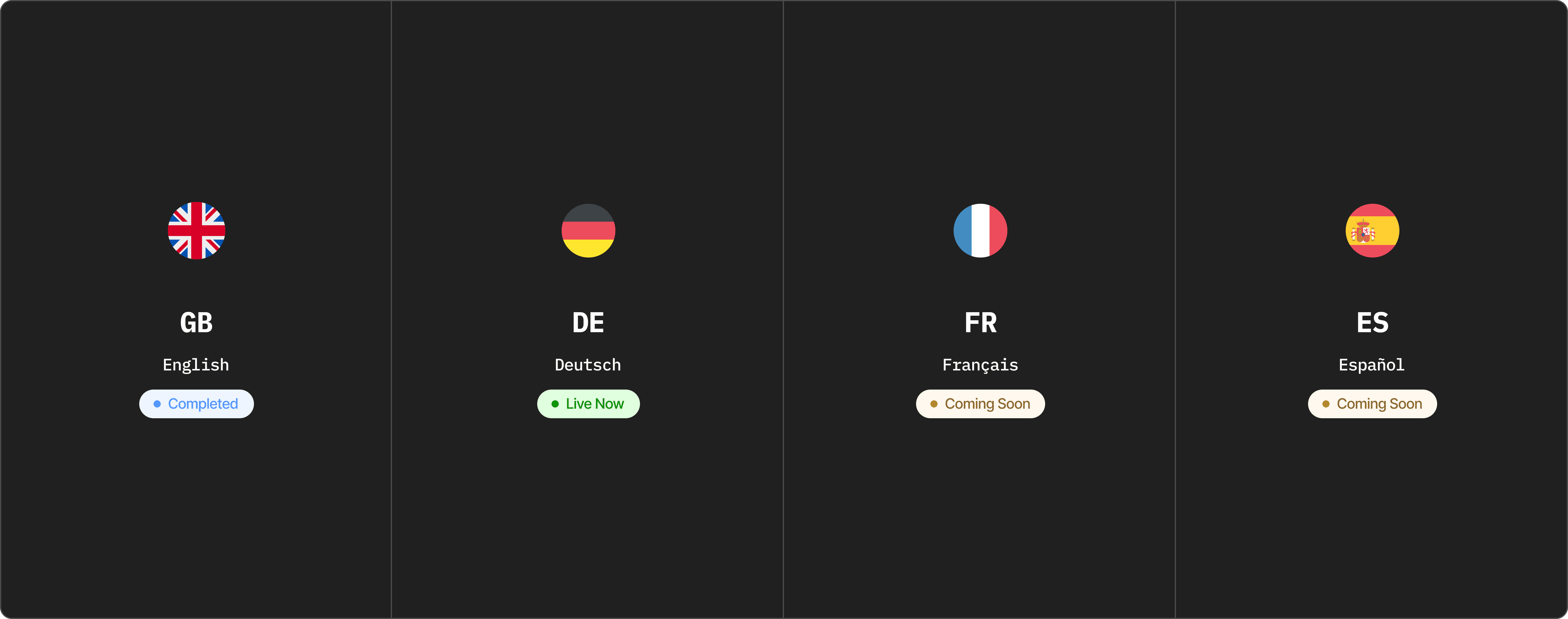
German launches today alongside English. More languages are in development and will ship as they’re ready.
One setting. Instant switch.
Change your organisation’s language from settings. The entire platform updates immediately.
Open Organisation Settings
Navigate to your Organisation Profile page from the settings sidebar. Scroll down to the Language section.
Organisation Profile → LanguageSelect Your Language
Open the Display Language dropdown and choose your preferred language. Currently available: English and Deutsch (German).
English · Deutsch (German)Save & Reload
Click "Save changes" and the page reloads with the new language applied across the entire platform for all organisation members.
Applies to all admins instantly